Affiliate disclosure: PromptHelp may earn a commission if you buy through our Viktor links, at no extra cost to you. Our recommendations consider the limitations as well as the benefits.
Promising for Slack or Teams groups with repeatable cross-tool work.
Viktor positions itself as a shared AI employee that receives tasks in Slack or Microsoft Teams, works across connected business tools, and returns a finished output to the conversation. The model is attractive when several people need the same operational agent and can define work clearly enough to review.
It is less useful for a team that does not work in Slack or Teams, cannot grant appropriate application access, or expects unsupervised judgment in sensitive workflows. Credit consumption also needs a real pilot.
Check Viktor plans →We checked Viktor’s public pricing, product, integration, setup, and security material on October 21, 2026. This review covers the AI employee at viktor.com, not the unrelated engineering platform at viktor.ai. We have not run a paid workspace, audited security controls, or measured output accuracy and time savings.
What is Viktor?
Viktor is an AI agent for shared team work. A user mentions it in Slack or Microsoft Teams, describes the job, and can let it use connected tools, browser access, and code execution to research, analyze, create, or update work. The result returns to the thread rather than living in a separate AI chat.
That delivery model distinguishes it from a personal assistant used by one employee. Shared workspace context and connected-tool actions make permission design, review, and task selection central to the purchase decision.
- A sensible shortlist: small operations, marketing, reporting, and agency teams already working in Slack or Teams.
- A closer security review: companies connecting finance, CRM, customer, or production systems.
- A different category: a team that only wants private drafting, a meeting bot, or a deterministic integration workflow.
Viktor pricing: pay attention to credits per task
Viktor’s pricing is workspace-based rather than per seat. The current pricing page starts with free credits and a Team plan; larger or more specialized arrangements require checking the live page and quote.
| Plan | Price shown | Main distinction |
|---|---|---|
| Free | $0; up to $100 in credits | Every feature and integration for exploration; no card required |
| Team | $100 per month | 40,000 credits shared by the whole workspace |
| Enterprise | Tailored pricing | Higher-scale billing, onboarding, and security support |
Credits measure work, and different jobs can consume different amounts. Scheduled automations also use credits, so frequency matters. Compare current Viktor AI employee plans and credit allowances, then run representative tasks before estimating monthly capacity.
Three questions determine the real cost
- Which tasks? A short lookup and a multi-tool research deliverable are not equivalent units of work.
- How often? Scheduled jobs multiply credit use even when nobody actively messages the agent.
- How much review? Human checking, correction, and approval are part of the operating cost.
The Viktor features that matter in everyday work
1. It lives where the team already communicates
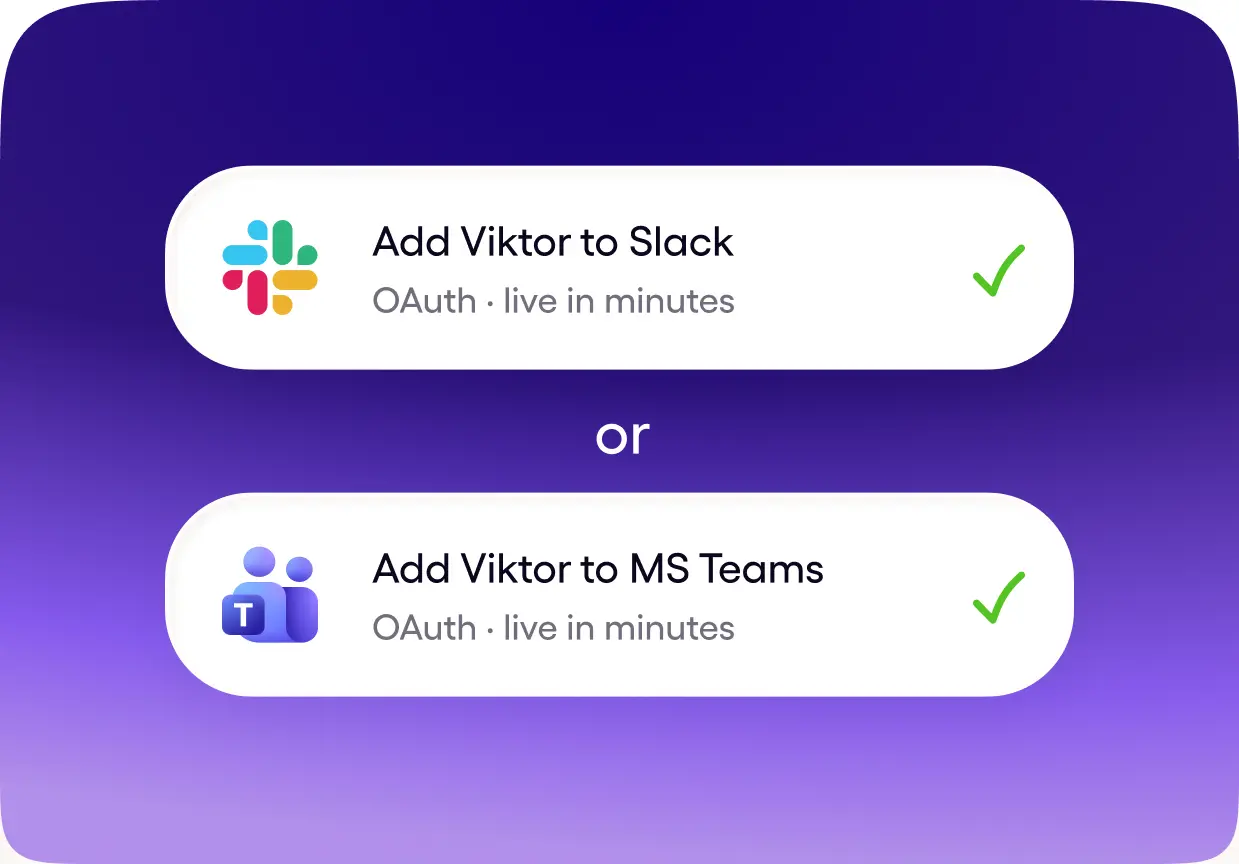
Viktor installs into Slack or Microsoft Teams. That reduces the need for another destination and keeps requests beside the discussion that produced them. It also means channel membership, mentions, private work, and message retention need deliberate rules.
2. Connected tools let it act, not only answer
Viktor advertises connections across thousands of tools and highlights services such as Google Drive, HubSpot, Notion, Linear, Stripe, and project-management platforms. An agent can gather data and produce a deliverable, but each connection expands the access boundary.
3. Finished outputs can return to the thread
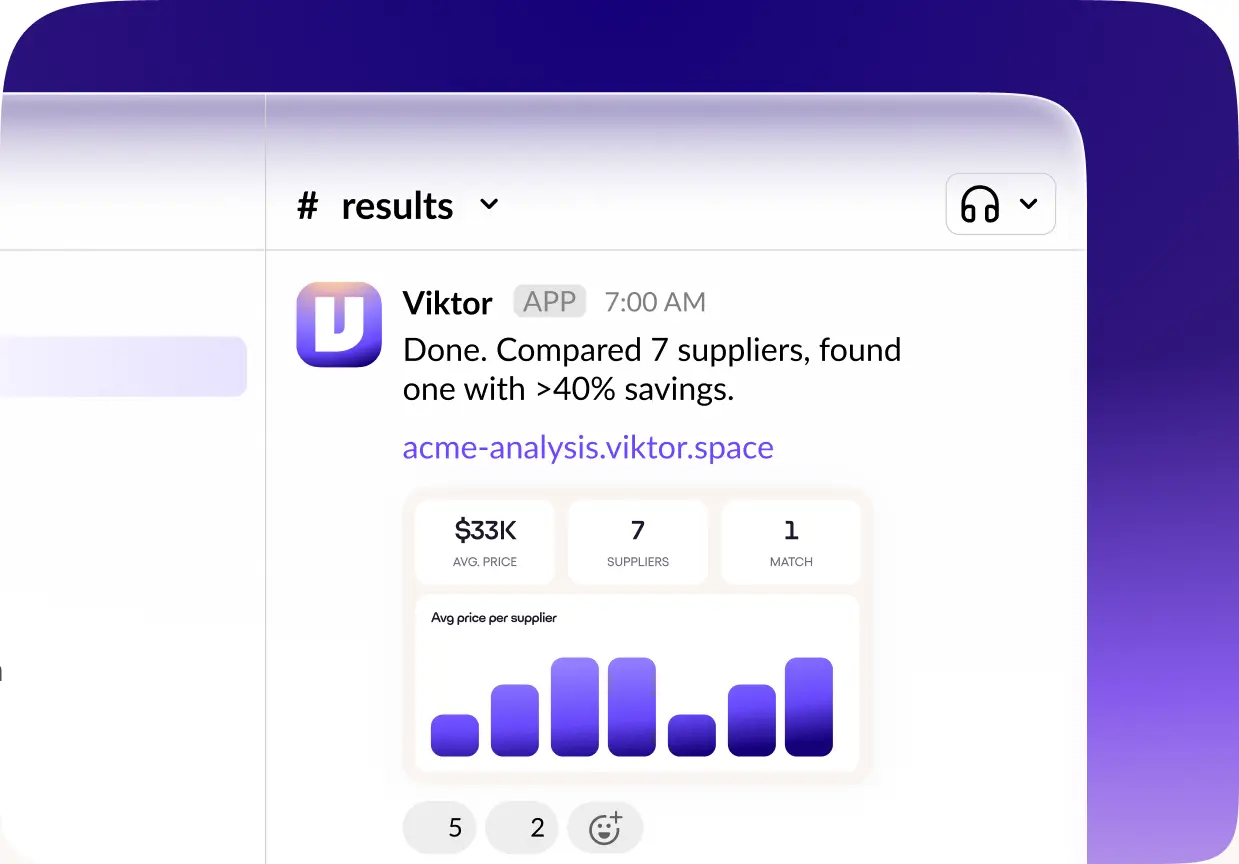
The product emphasizes reports, documents, presentations, apps, and updates rather than a paragraph describing how a person could do the work. That is useful when a task has a clear acceptance test: a report contains required fields, a deck matches an approved outline, or a record changed correctly.
4. Approval before irreversible actions
Viktor states that it asks before irreversible actions. That is an important design principle, but a buyer should define what “irreversible” means for each connected system and verify approval behavior with safe test data.
5. Shared context and scheduled work
A shared agent can learn workspace context that benefits multiple users and can run recurring automations. Shared context also needs maintenance: decide what information is authoritative, who may teach the agent, and how outdated instructions are corrected.
Viktor pros and cons
What we like
- Works inside Slack and Teams rather than another isolated chat.
- Workspace pricing avoids a separate AI seat for every user.
- Connected tools support end-to-end deliverables and updates.
- Free credits allow representative tasks before commitment.
What to weigh carefully
- Credit usage must be measured task by task.
- Connected access creates meaningful security and governance work.
- Outputs still require human review and acceptance criteria.
- Teams outside Slack or Teams receive little of the core advantage.
Permission design is part of implementation
Use separate test accounts or least-privilege roles where possible. Match access to the work Viktor should perform, not to the broadest access held by the person installing it. Document who can connect tools, assign tasks, and approve actions.
An AI employee is not an employment claim
The label describes a product interaction model. It does not establish judgment, accountability, or employment-equivalent reliability. Keep a named human responsible for the outcome, especially for financial, legal, customer-facing, or production changes.
Productivity and accuracy: what this review can verify
We can verify Viktor’s current pricing presentation, Slack and Teams surface, connected-tool positioning, free-credit offer, and published approval approach. We cannot verify savings, accuracy, security, or reliability for your organization.
A serious pilot should include:
- Three routine tasks with clear expected outputs.
- One ambiguous request to test clarification behavior.
- One action that must require approval.
- One deliberately unavailable or prohibited request.
- A review of credits, corrections, data exposure, logs, and final usefulness.
Start with repeatable work, safe access, and a human reviewer.
A stronger fit
- Your team already coordinates work in Slack or Microsoft Teams.
- You have recurring research, reporting, or operations tasks.
- You can define permissions, approvals, and acceptance criteria.
Review carefully
- Your team works outside the supported collaboration surfaces.
- Tasks rely on sensitive judgment or unrestricted system access.
- You cannot measure credit use and correction time.
Use the free credits on your own recurring work before forecasting a plan. Then review Viktor plans for a shared AI employee in Slack or Teams.
Before you connect Viktor: a seven-point checklist
- Select safe pilot tasks. Prefer reversible work with clear inputs and outputs.
- Define acceptance. Write the fields, sources, format, and checks required for a usable result.
- Map permissions. Grant the least access needed and avoid shared administrator credentials.
- Set approval boundaries. Name the actions that always need a person.
- Choose channels. Decide where requests, results, and sensitive context may appear.
- Measure credits and review time. Include retries and scheduled frequency.
- Create an offboarding plan. Know how to revoke connections, remove data, and preserve required outputs.
Our recommendation: test work, not demos
Viktor is worth evaluating for a Slack- or Teams-based group that wants one shared agent to complete work across several systems. The model can reduce application switching and make reusable operational help available to more people.
We would not judge it from a polished demonstration or the “employee” label. Use the free credits on real work, inspect every permission, require approvals, and compare usable output against credits plus review time.
Viktor review FAQs
Is this the same product as VIKTOR.ai?
No. This review covers viktor.com, the AI employee for Slack and Microsoft Teams. VIKTOR.ai is a separate engineering automation platform.
How much does Viktor cost?
The pricing page checked for this review listed a free start with up to $100 in credits and a Team plan at $100 per month for 40,000 workspace credits. Enterprise terms are tailored.
Does Viktor charge per user?
The current Team plan is positioned as workspace pricing rather than per-seat pricing. Credit consumption still limits how much work the shared agent can perform.
Which tools can Viktor connect to?
Viktor advertises thousands of integrations and highlights common business systems. Confirm the exact action, permission scope, and availability for every tool in your proposed workflow.
Can Viktor act without approval?
The company says it asks before irreversible actions. Buyers should test what triggers approval in their connected systems and keep human review for consequential work.
Did PromptHelp test Viktor hands-on?
No. This review evaluates current documentation and business fit. It does not present hands-on accuracy, security, credit-consumption, or time-saving results.
Ready to try Viktor? See current plans and free credits.
Try Viktor →